


Google Gemini Finally Gets a Brain: Thinking Notifications and Chrome Skills End the Black Box Era
We’ve tolerated a lot of silence from our AI assistants. You tap a prompt, the screen stares back, and you’re left wondering if the server melted or if Gemini is just having a bad logic day. That era of dead air is officially over. Google is rolling out a dual-pronged update to Gemini that doesn’t just add flashy features—it fundamentally fixes the user trust model by adding real-time processing transparency and deep web literacy.
Transparency as a Feature: Decoding the Thinking Notifications
The primary takeaway is that Gemini is no longer hiding its cognitive load. The app is rolling out thinking notifications, a live status indicator that explicitly shows when the AI is processing a response. This isn’t a cosmetic tweak. In a world of multi-step reasoning and complex multimodal prompts, latent processing time is the enemy of usability. Previously, a five-second stall felt like a crash. Now, a direct nudge confirms silicon is burning and logic is churning.
The real-world implication is a massive reduction in “rage taps.” We’ve all force-closed an app that went unresponsive. By visually closing the loop—even just showing a brief thought animation or status bar—Google is acknowledging the compute cost. It’s a quiet admission that complex LLM (Large Language Model) inference isn’t instant magic. It has latency. The thinking notification acts as a handshake between the server-side tensor processing and your display, directly addressing the vague anxiety of a broken query cycle. It’s a simple utility, but it changes the rhythm of the product from a static lookup to a living dialogue.
Why Nobody Missed the Spinning Wheel Until It Was Gone
We’ve been conditioned by Chrome’s loading spinners since 2010. Yet, in the generative AI space, we regressed. Labs products like early ChatGPT normalized the “typewriter stutter,” but they rarely communicated *heavy lifting* between complex function calls. Google’s implementation seems designed to differentiate between a quick token prediction and a deeper analytical run. You’re not just seeing a generic animation; you’re seeing a confirmation that the model is parsing your 40-page PDF before spitting out a summary. That distinction matters when you’re using Gemini as a daily driver for productivity rather than party tricks.
Chrome Skills Arrive: The Browser Stops Being a Dumb Pipe
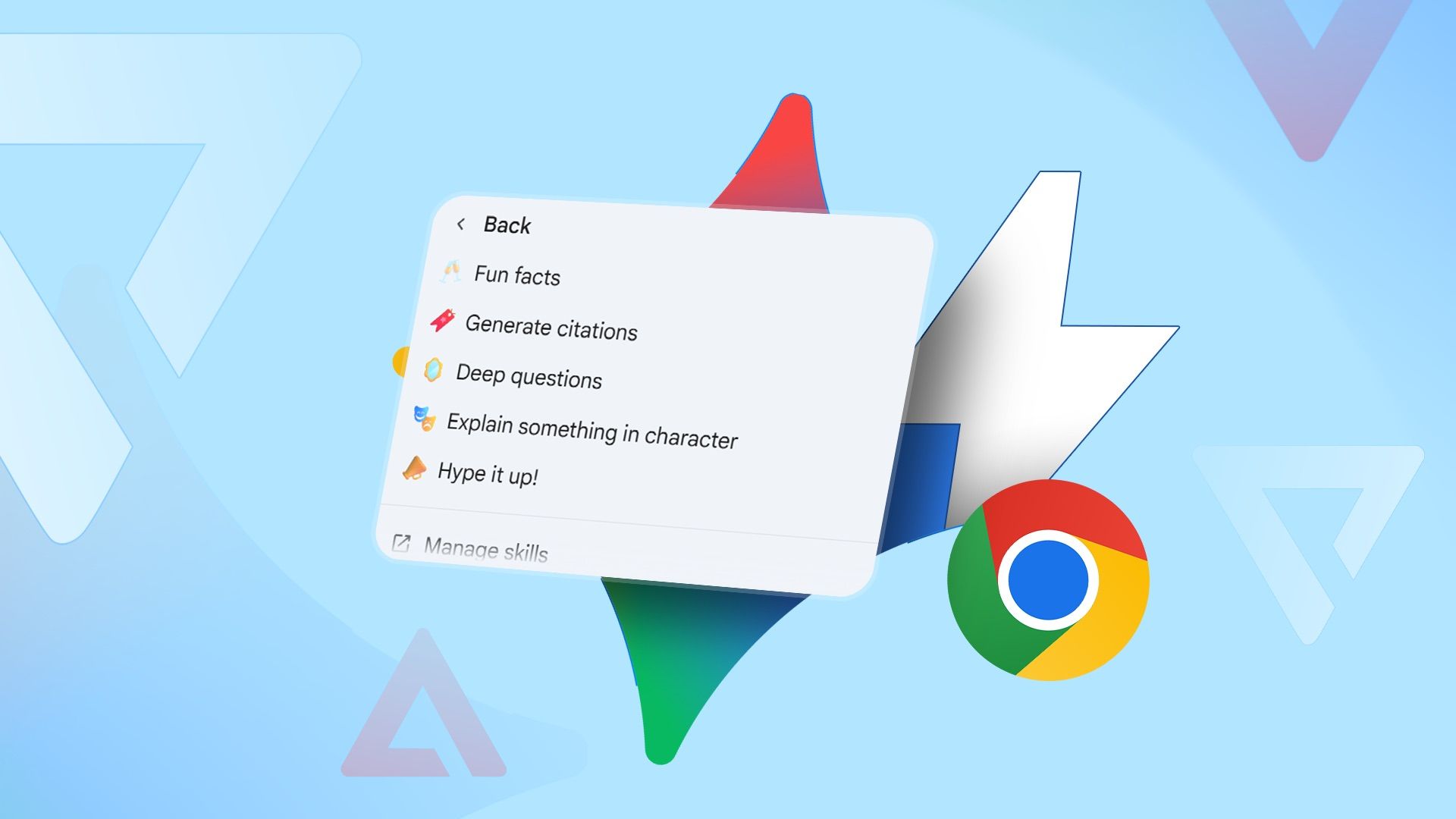
The main difference between yesterday’s Gemini and today’s comes down to browser agency. Gemini Skills are now live within the Chrome browser, ripping down the walls between the AI and the web content you’re actually staring at. We’re not talking about a basic sidebar chatbot anymore. This is context-aware computing with teeth.
Because the Skills engine is baked directly into the browsing layer, Gemini can now summarize pages, answer specific questions based on the active tab’s text, and perform actions derived from on-page content without you copy-pasting a single word. It’s the death of the manual “Ctrl+C, Ctrl+V” prompt.
From Surface-Level Scans to Deep Content Manipulation
Let’s be specific. Old browser extensions could skim metadata. Gemini Skills tap directly into the DOM (Document Object Model) to digest semantic meaning. The real-world use case isn’t just “Make this shorter.” It’s asking Gemini to extract all mentioned statistics from a dense research piece and table them. It’s telling the AI to find the “unsubscribe” link in a labyrinthine email chain and just handle it.
This is a strategic shift from an app-based assistant to an operating-system-level utility. By embedding Skills in Chrome, Google squashes the friction of context switching. Your focus stays on the article, the video transcript, or the product page. The AI orbits around the content, rather than the content orbiting the AI.
The “SGE” Hangover is Finally Over
Remember the clunky “Search Generative Experience”? This is the streamlined antithesis. Google intentionally stripped the interface clutter. The update streamlines the visual footprint, reducing the heavy panel overlays that plagued early experimental AI integrations. The result is a leaner UI where the thinking notification and skill execution happen without bricking the browser tab. It’s a surgical implementation, respecting thermal headroom and RAM allocation on mid-range Chromebooks and Android flagships alike.
How the Rollout Prioritizes Android (and Quietly Tests Desktop)
Google is playing favorites—and for once, it’s not the Pixel owners. The gradual rollout is hitting the Android ecosystem first, leveraging deeper system hooks available on the mobile OS. We’re seeing server-side switches flip for users on the latest Google app beta.
Desktop users aren’t left in the cold entirely. Signals point to a slow migration to Chrome on desktop, though the feature set will likely feel slightly more sandboxed given the stricter file system permissions on Windows and macOS compared to Android. But the intent is clear: Google wants Gemini to be the invisible layer between you and the internet, regardless of the screen size.
| Feature | Old Interaction Model | New Gemini Model |
|---|---|---|
| Processing Status | Silent latency; user assumes crash | Explicit thinking notification; trust maintained |
| Web Reading | Manual URL/link submission | Real-time Chrome DOM awareness via Skills |
| Action Layer | Text generation only | In-browser task execution (summaries, queries) |
| UI Weight | Heavy overlays, high clutter | Streamlined interface, low visual noise |
The silicon lottery here isn’t about chip binning—it’s about server allocation. Users enrolled in the rapid release channels are getting the thinking notifications first. It’s a backend flip. If you’re a Workspace user, your admin might be blocking the necessary search and assistant flags, keeping you in the dark a bit longer.
Why This Combo Finally Makes Gemini a Credible Daily Driver
For six months, we’ve argued that Google’s assistant ecosystem was having an identity crisis—torn between legacy “Hey Google” commands and the “Bard” creative sandbox. This update is the suture. The thinking notification supplies the heartbeat, the proof of life. The Chrome Skills supply the practical horsepower.
We’re moving away from the novelty of “ChatGPT in a browser” and toward a utility that respects the user’s time. No bloatware, no useless animation loops that disguise network pings. Just a raw, honest signal that the machine is working on your problem. If Google keeps this cadence, the era of the silent, unreliable AI helper is dead. Good riddance.
Frequently Asked Questions
Why is Gemini suddenly showing a notification when I ask a complex question?
Google introduced thinking notifications to bridge the gap between user command and model latency. It’s a transparency mechanism that confirms active computation, preventing you from mistakenly assuming the app froze during heavy reasoning or multimodal analysis.
What specific actions can Gemini Skills perform directly in Chrome?
Right now, the toolkit focuses on comprehension and utility: summarizing long-form web pages, extracting specific details into tables, answering questions using the tab’s native text, and executing content-based actions without requiring clipboard copy pasting from the user.
Why haven’t I received the Gemini update on my Android device yet?
The rollout is a server-side cascade, not a Play Store binary push. It relies on Google app beta flags and account configurations. Workspace accounts or outdated Google app versions may block access until the administrator toggles the necessary generative AI settings.

DrShortCircuit
I've spent the last eight years deep in the digital trenches, from high-level SEO architecture to building custom PC rigs. State of Android is my corner of the web to break down the mobile ecosystem, cut through the marketing fluff, and look at the actual tech pushing the industry forward.


